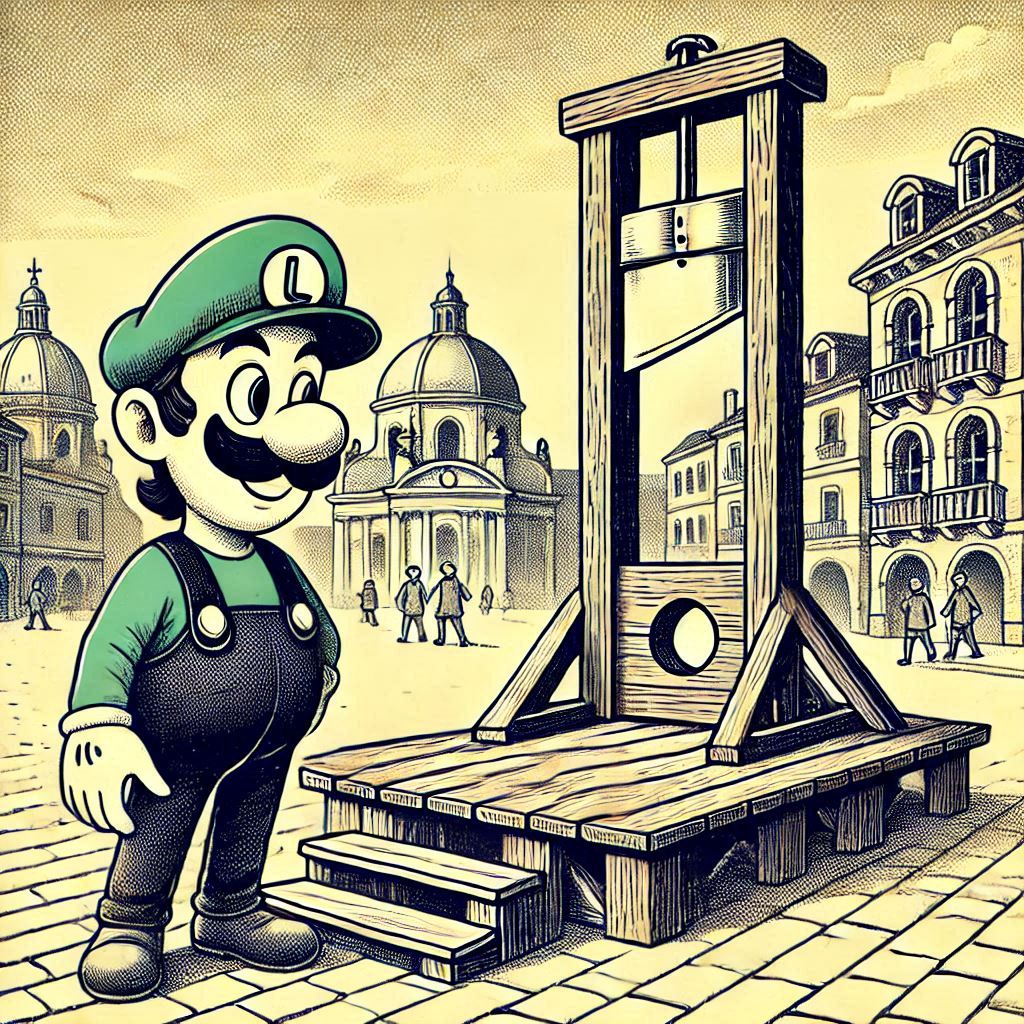
I once had what I thought was a friend, but who was definitely a teacher. He joked that he brought a floppy disk to his school and his students asked who had 3d printed a save icon.
I once had what I thought was a friend
You could start writing a book with that line.
That’s true! However, I don’t like “what” there - friend or no, he was a who, not a what. I just couldn’t write “who I thought was a friend,” though reading it now it seems okay. Ah well; I’m no novelist, so feel free to claim the quote for yourself if you’d like.
You think it’s bad that the save icons have floppy disks?
A while ago, I was wondering why the usual icon for “database” (upright cylinder divided into multiple horizontal slices) looks like the original flowchart symbol for drum memory, further refined to look like a 1960s hard drive, you know, one of those washing machine sized units. But then again, if you have a serious database, chances are it’s running on some several layers deep virtualised replica of a 1960s system
Every time you save a file in Microsoft, your credit card is charged $.50
Nice try Satan, but my start up is building ads into car start ups. You can’t switch gears until the ad is done.
My startup is building ads into ad startups. You can’t ad before you finish an ad.
No pls, i have a shareholder that needs a new boat
Maybe it’s time to change the save icon into a USB drive.
These days I’m starting to see more and more of an arrow pointing down towards a hard drive, a file folder or, an outbox bin. I feel like that’s a suitable replacement.

to me that means “download” rather than “save.” if I’m using an online editor, “save” might not download anything.
and yet, we adapt and we learn…
Yeeees. This.
Is it really so bad if it’s just a legacy icon?
If your discord server is inundated with people who have no idea which one of these damn buttons save, yeah. I saw the same thing happen on a PHPBB in 2010. To many, that icon means nothing.
icons are basically ideograms. floppy disks might be the etymology of the save icon, but kids will learn it means “save” the same way Chinese kids learn that 人 means “person” (a simplified rendering of the original Bone Oracle glyph, which depicted a person from the side)
as another example, you used the word “inundated” which comes from the Latin unda meaning “wave,” as in waves overcoming a building. but you learned to use that word without needing the history lesson behind it.
Sure, except when they don’t. Like what happened with that dev on that board in 2010.
How do play, pause, or stop icons mean anything? They were around for decades before me and I just learned that was how those actions were communicated.
Likely in the way that the previous commenter described. They’re not wrong, it just wasn’t a question of how. It was more that sometimes the transmission of information fails.
Not unless you’re ready to change “hung up” to “tapped end.”
The other day I got a press release about disaster preparedness for grade school kids.
It made mention of teaching kids how to use a battery powered radio to get information. And it suddenly struck me that my 8 year old nephew likely has never even SEEN an FM radio, much less would know how to tune one to a specific station.
Shit like that makes me feel reaaaaaaallllly old…
I’m in my 30s and really never actually used an old radio like that. Like there were some laying around that nobody used anymore and I kind of played with them as a kid, but I’m right on the cusp of not knowing how to use one.
I still know the kind you tune with a slider on a coil. Same age.
This. I have one right here on my bedroom
25 soon to be 26, my family liked to camp out in the Mojave when I was a kid so I do know how to use them but even for me I am far more familiar with stereos .
The two aren’t mutually exclusive. Most stereos had tuners.
My elderly father was confused when he bought an old style fm radio and found out it was only a Bluetooth speaker.
You probably still have an FM radio in your car. You just use it so infrequently that your forget it is there.
Tell em it’s analog wi-fi
WiFi is of course radio. We just tune in and listen to it differently.
If you limited your bandwidth to 20 or 30 kHz, you could build a “radio” that you manually tune to a WiFi channel frequency and that produces audible noise. You could then build a 1980’s style modem to convert the audio back into a bitstream that you could run your network connection over.
It would be about many times slower than standard Wifi though modern compression could speed that up a bit.
Because it is hard to put there Jesus. He, same as floppy, died to became a save icon. /s
I worked with an engineering software that was developed by a Christian team, they put a cross as the Save Icon. Cuz Jesus Saves. It was a good Dad joke so I had to let it slide.
Dad joke, lil joke, ghost joke 😎 The Holy Trinity of jokes.
Jesus that makes me feel old and I never once in my life used a floppy drive.
Oh man I distinctly remember being taught how to insert the floppy disk and then select the A: drive to save to the floppy disk on windows 3.1 in my elementary school computer class. My dad’s Prince of Persia game was on like ten floppy disks.
I’m kinda a little jealous of all the people who had computer classes growing up. The schools just expected us to know how to use them and how they work by the time I was getting in
Same here! And the weird thing is, we did this like 8 times during the school year because that’s apparently everything our computer class teacher knew how to do. I always wondered why that was.
If you want to make a greybeard feel old, grab one of the old floppies they they still have in a filing cabinet, hold it up and say, “Hey look, someone 3D printed a save icon!”
Hey I have plenty of floppies still around, and my beard is not grey.
I shave.
Maybe it needs to be a 5.25" floppy

I wonder what other artefacts like that we have.
I’m sure some streamers use “Tune in”, which refers to radio dialing.
“Dashboard” means a whole lot of things, but originally meant a board on a carriage that prevents mud from being “dashed” up to the passengers by horses (I think).
Uh…“meal” is literally a kind of grain that most people probably don’t eat regularly at all, let alone 3x a day.
“Hanging up” the phone, as well as the icon for phon4 calls being a latter 20th century corded handset shape.
A <- ox
B <- house
C <- some kind of weapon we don’t even have a name anymore
D <- fish
And so on. This set has been running around for half of the world for thousands of years and yet nobody thinks it’s a problem.
Satire no?
No. Millenials barely remember floppies. From that point down they have no fucking idea what they are
Real “anybody younger than me is a millennial” vibe going on here
“That point down” = sucessive generations. Don’t be arsey.
is that not how it works?
also, anyone older than me is a boomer, that’s a good one.
What are you on about Millenials barely remembering floppies? We grew up using them until at least highschool, even if other writable media existed before then.
And most millenials are 20 years outta high school
Has to be. The Japanese still use fax machines
deleted by creator
deleted by creator
Propaganda here boys. Japanese aren’t having kids, there is no youth.
I saw plenty of couples in Japan with several kids when I visited tourist sites. Of course, there could be a bit of a survivor bias there…
Probably from one of those kid renting agencies they have over there. They just rent them for the afternoon. It’s not like they’d have the space at home anyway.
What you’ve probably seen are androids developed by Japanese government to convince people that we’re actually thriving. Dont be deceived.
lolll
What even is a good alternative save icon these days?! This is the only save icon I know.
I think one GTK/GNOME icon set had downward arrow pointing to a hard disk. Seemed clear enough to me.
Maybe a life preserver ring won’t become out of date? 🛟
That’s ‘Help’, not ‘Save’
This is Help

cool, now we got a reference older than the 3.5 inch floppy
Well ackshually this picture spells “NUJV”
Maybe their spelling is what they need help with 🤔
Yeah but that’s awfully anglo-centric. Saving life has nothing to do with saving a file in other languages.
Would need to have some sort of drive icon - maybe? - that is unlikely to ever be forgotten… with a down arrow embedded inside.
Hmmm.
That’s a download button, an up arrow on the disk is an upload
The save icon is too established to be changed. It can be simplified and become a glyph no one understands the meaning of, but it’s cemented
I’ve seen an SD card used before.
A disc is also been used for some.
Up arrow to a cloud, or down arrow to a platter (which, ironically, is also out-of-date)
Up arrow to Lakitu.

You just described upload and download, not save.
is there a difference between download and save?
You’re viewing information held in temp memory and are committing it to a hard drive or more permanent cloud drive for later retrieval.
Yes there is a difference. If you already have the information on your drive you don’t download every time you make an edit.
I think you’ve misunderstood my point:
Web app > data is in temp > save commits it to disk
Offline app > data is in temp > save commits it to disk
does “temp” meaning RAM, user directory, remote cloud directory, browser temp files, WordPress backend db and “disk” meaning hard drive or one-drive or Google drive or the permanent remote cloud directory, or production db significantly alter the concept of the function?
Might be controversial, but I think “no.” I don’t think there is a difference between me “saving”, for example, a web page in WordPress as the final version, and me “saving” the offline wire frame design to my hard drive, and me “saving” a PDF of the web page to my downloads folder.
No, download would be a down arrow from a cloud. “Saving” on a modern system typically implies a local cache paired with a cloud backend.
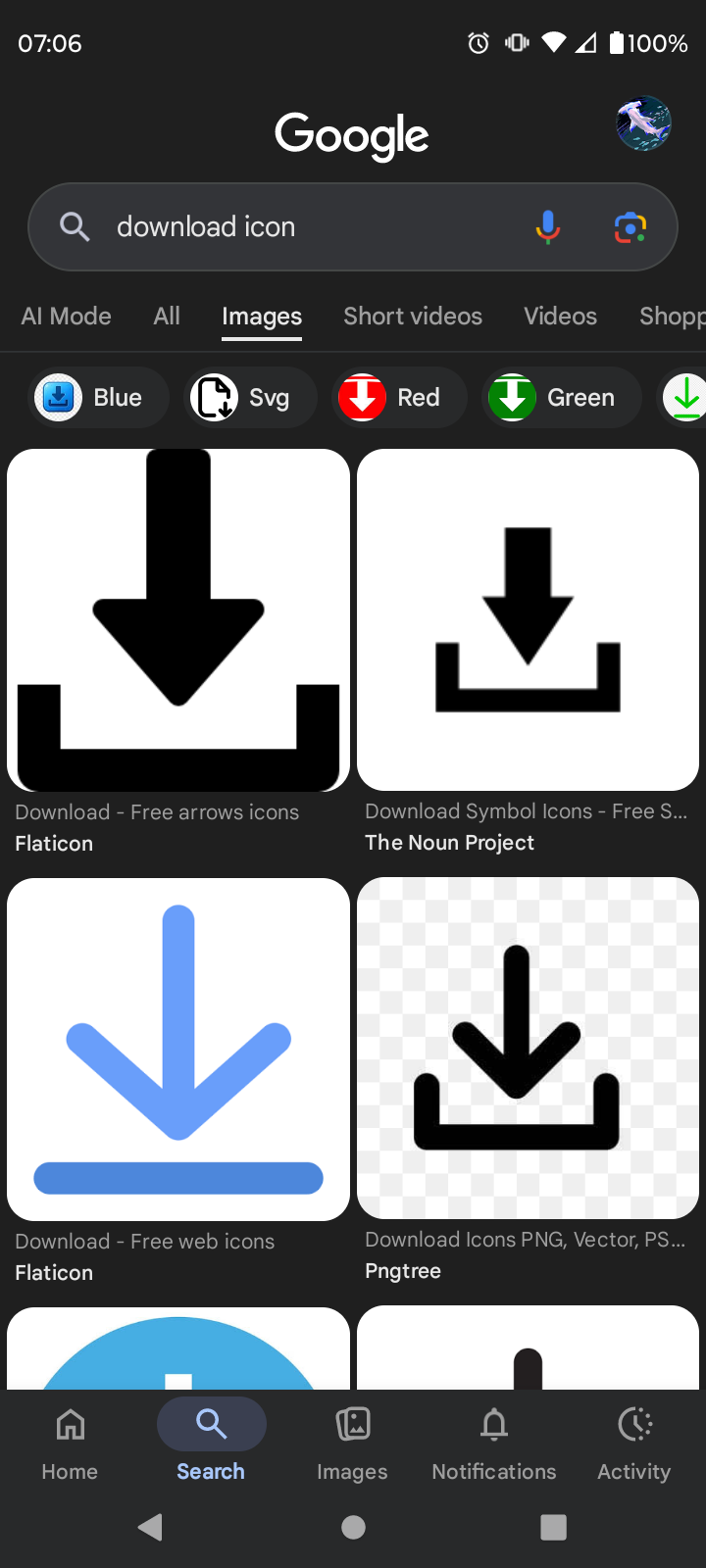
Not my fault that they’re wrong.
Tell that to anyone needing a large amount of storage that is instantly available; the newest HDDs with 30TB storage hit the central European market this July. Remarkably, the best value offering is a 28TB HDD @ 14,25€ / TB.
Up arrow to a cloud
Vomits
Up arrow to a cloud
nice try Microsoft
Hard to disk drives are still around but you might want to make it look generically like a generic that could also be an SSD just as easy
The difficult part would be depicting a SSD. It’s just a rectangle.
The chip icon, you know the one next to the other chip icon.
Maybe put a folder inside the rectangle?
A folder depiction almost always means open or load from directory
And a cloud inside the folder. And a floppy disk inside the cloud.
Congratulations on the drugs, I guess
That or posting on mobile while sleep deprived as fuck. Rereading a post made in bed the night prior is always a humbling experience.
Hey they tried! 😂
It’s just the download button, truly. They already associate that icon with saving files from the web. The down arrow pointing to a rectangle or laptop icon in word or similar app wouldn’t be too ambiguous…
Or, truly, the floppy will just become a nebulous, originless heiroglyph meaning “keep this information for later and let me put it somewhere to find it again,” and some Gen. Beta child will get curious and learn about ye olde days of magnetic media from Wikipedia.
☁️ is a (rather terrible) way to indicate cloud saving.
Yeah it’s old and loses relevance, but we can go older and it circles back to recognizable again
✍️
Or just say the vending machine is because it’s a store and you are storing the data when you save
It’s time we upgrade the icon to Zip drives, or maybe Sony memory sticks.
I miss those icons bro.
SD card?
I could see this one working. It has the little signature cut off corner.
It would share the rectangle shape and cut off corner with the “new document” icon.
An SSD. But not an M.2 because that might be confused for RAM.
A blank rectangle wouldn’t be confusing at all though.
My ssd is literally a 1tb small keychain… There’s too much variation.
What is your ssd? That sounds awesome.
There are 2230 cases around and they go up to 2 TB now.
Edit: 2230 is that size:

Thanks!
I once saw a usb thumb drive as an icon. Guess it didn’t take off.
It might be the best actually since they’re still around and, never say never, may not go anywhere. Though a USBA icon will confuse the USBC crowd soon enough.
sometimes there is a arrow going into a folder

but then again noone knows what the foldwe icon is supposed to depict nowadays either
That’s the icon for the Downloads Folder
parchment & quill 📜🪶
A floppy disk is fine, just like Photoshop uses terms like dodge and burn, references to obsolete dark room methods, like cutting and “pasting” were literally how some layout projects worked.
Referencing the last physical incarnation of saving a file seems fitting!
Pretty harsh to the compact disc don’t you think?
CD wasn’t even the last physical media that was adopted widely. Technically I think that may be thumbdrives for now, but there were some tape and disc shaped, but high density for the time (like 20MB to 100MB for the disk shaped one, and 1GB to 2GB tapes.) and named something I don’t remember, media options that were created in the late '90s early '00s before thumbdrives became a thing.
Zip disk/zip drive? wiki link
That’s the disk one!
Zip drive?
What about MicroSD? Still being put on game consoles and smartphones to this day.
True that. I tend to lump them in with thumbdrives.
You don’t save to a CD, you burn it
You could to a CD-RW, kind of.
I did photography at college a few years before digital technology took off. The old dodge and burn was way more fun. There was no undo button so you had to remember what gets done where and keep refining the print. It took ages. And the chemical smells were amazing!
How the fuck is a floppy the last physical incarnation of saving a file? HDDs and SSDs are not made out ether.
If you mean save media you commonly interact with, USB thumb drives still exist. Considering computers becoming much more commonplace in their era they probably have been actually used by more people than floppies.

Set it in stone.
…maybe something more basic like this:

Ahh yes, something even more archaic is what’s required! How about a clay tablet icon?
Naaah dis be “compile”, nerds be bitchin real soon
“Why is the save button shaped like a complaint about poor quality copper?”
I saw this joke and got the reference man. You should feel good about this one.
Back then the version control really was v2 Final Final. The good ol days.
We still do that level of version control. But we used to, too
Sorry for the convenience
This:

Or a Christian cross (“Jesus saves”)
A frog from Mother 3
A princess in a tower guarded by a dragon, with a knight holding a sword getting ready to swing at the dragon.
Man, if only it dispensed actual drinks. But yeah, it used to dispense your whole digital life on 1.44MB. Good times.
Realistically the icon could br anything, even the green check emoji: ✅
But if we want to retain the thematic reference to a disk- icon-ify an m.2 2230 or similar and literally just swap em. lol
Image for reference:

The average period-accurate computer user handled doppy flisks and so knows what they look like.
The problem is that the average computer user of today probably doesn’t even know what an M.2 drive is, much less what one looks like.
Sources for your claims?
For the former: I was fucking there. Computers didn’t have hard drives. It was a choice of putting in a floppy disk or sitting looking at a blank screen.
For the latter: Just look at the average office. How many office drones, who need an entire IT department to tell them to plug their fucking computer in, do you think have ever seen the inside of a computer? And those are people who interact with computers all damn day.
lol ok boomer
A lot of consumers don’t work on their computers. They either bring it to a computer repair store or buy a new one if they don’t have a family member or friend who can fix it for them.
As for what exact percentage of people in the world work on their own computers, I’m not sure if that has been studied. PC gamers often build their own PC, but many may buy a pre-built instead.
Right and so where would they have messed with a floppy disk? lol
I didn’t interpret their comment as suggesting that modern consumers would be familiar with a floppy disk, but instead was pointing out that regular consumers in the past often handled floppy disks, which made a good case for it being a common symbol at that time. However, since SSD’s aren’t used so commonly by average consumers, it may not make a good replacement as a symbol.
That would suggest that perhaps there is a more commonly recognized object that can be represented skeuomorphically. Off the top of my head, an SD card may be a good option.
Ohhh
I understand you now. Sorry, been a sluggish brain day.Yeah, an SD card would be a good option and I think the tapered end and the notch in the shape would be fairly recognizable.
A piggy bank (it was supposedly considered at one point by a Microsoft team for an office product)
Lots of open source projects actually have some really good alternatives for it.

/joke
A download icon?

And for larger files, maybe add more arrows and make a biblically accurate download icon? /j

What would we use for download, then?
I live in Japan and haven’t heard of this, but I’m generally allergic to most social media. I’ll have to ask my wife when I get home if she’s seen it.
Back in my day we extruded our own polyester film, coated it with our own rust and cut them into discs free hand! All that for 170K of storage!