

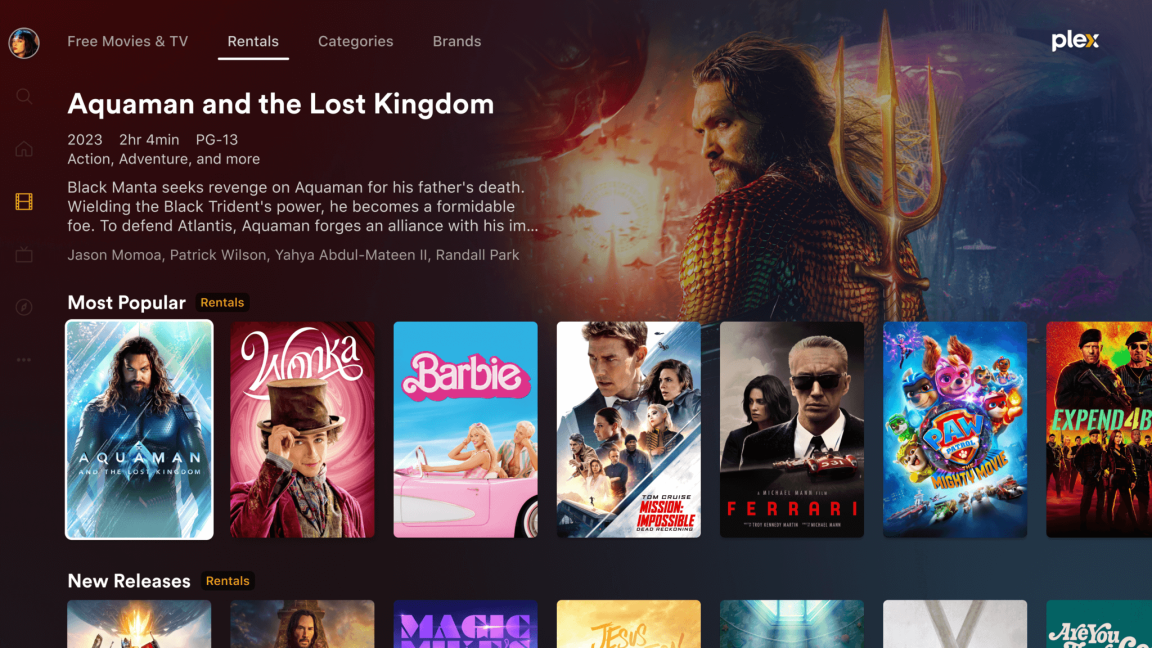
Plex is starting to enforce its new rules, which prevent users from remotely accessing a personal media server without a subscription fee.
If anyone needs it: https://jellyfin.org/
Plex is starting to enforce its new rules, which prevent users from remotely accessing a personal media server without a subscription fee.
If anyone needs it: https://jellyfin.org/
When I first set up my server this year it was a VERY easy decision between this and jellyfin. Why would I ever go with the corporate, closed source option?
In my case, I was not able to make jellyfin work: transcoding issues, lagging, client disconnection or unresponsive… Plex worked flawlessly out of the box with the same hardware and the same library.
From time to time I try Jellyfin again, but things never change …
Would you like help/guidance on your next attempt? It definitely works, but possibly not on corporate devices like Roku and such - I never did have a lot of luck with those, other than I think I had Jellyfin casting to a couple of Chromecasts we have kicking around. Not when the internet was out, of course, cause why would they keep working if Google can’t get their data on the spot?
Thank you, but it won’t be necessary. I think my issues are hardware -related, or simply my NAS is under too much load from other applications 😅 Other than that I should try with the Chromecast as you suggested, maybe the problem was the shitty client application…
If I don’t succeed I’m still good with Plex, and I have a raspberry hanging around for an emergency Kodi.